Delivery in the Rain: Keeping Your Phone Working Through a Monsoon Shift

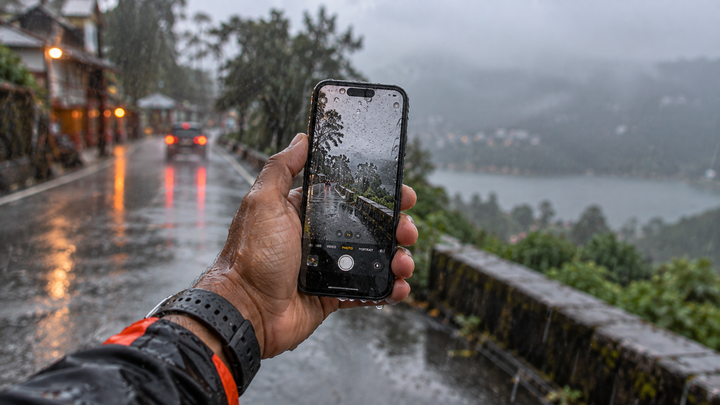
The first heavy rain of the season is when a lot of riders lose a phone. Not to one dramatic accident, but to a hundred small ones: a wet thumb that will not register the OTP, a phone that slides out of a damp palm at the gate, a charging port that fills with water and stops charging halfway through the shift.
Rain attacks a rider's phone in three ways: grip, touch and water getting inside. A good rain setup handles all three: a mount with rain protection for the ride, a tether because wet hands lose grip, and a dry routine for the charging port. None of it is expensive, and all of it is cheaper than a dead phone in July.
Problem one: grip
Wet palms lose grip on glass and smooth cases far sooner than you notice. Most monsoon drops happen not while riding but in the first seconds after stopping, when you pull the phone out with a wet hand.
- A textured or rubberised case helps more than a slim glossy one.
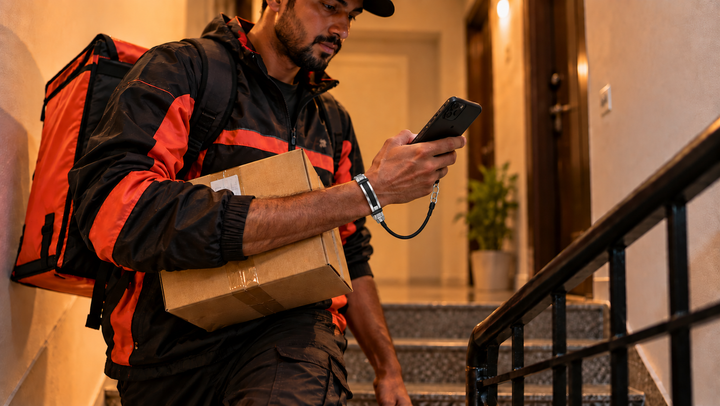
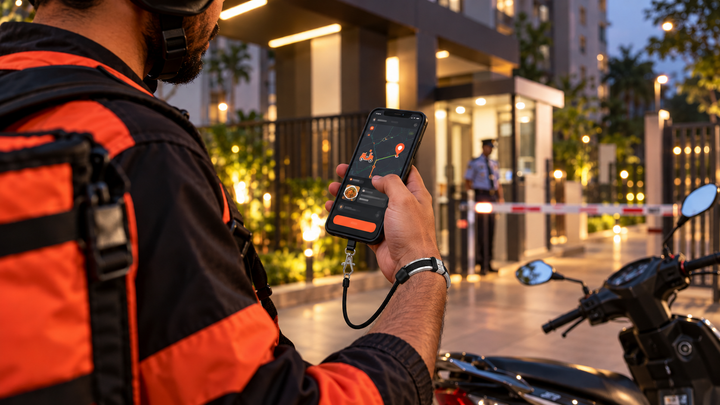
- A wrist tether does not depend on grip at all, which is exactly what rain takes away. Clip in every time the phone leaves the mount.
- Wipe your hand on a dry patch of jacket before you reach for the phone. It sounds trivial and it prevents a lot of drops.
Problem two: touch
Touchscreens read water drops as touches, and a wet finger often fails to register at all. That is how you end up tapping an OTP field five times at a gate in the rain.
- Dry the screen and your fingertip with a small cloth kept in an inside pocket. A microfibre square costs very little.
- Many phones have a wet-touch or glove mode in the display settings. Turn it on for the season if yours has one.
- Rain pouches with clear windows keep the phone dry but make touch worse. They are better for the ride than for the gate.
Problem three: water inside
Water resistance ratings describe a new phone in a lab. Seals age, and a phone that has been dropped or repaired has usually lost some of its rating. The charging port is the weak point.
- Never charge a wet phone. Power through a wet port is how a recoverable phone becomes a dead one. Dry the port first.
- Keep a cracked phone out of the rain. A crack means the screen is no longer sealed.
- If water gets in: power off, do not charge, do not shake it, leave it upright somewhere dry and airy. Rice does not work and adds dust to the ports.
The monsoon setup
| Item | Job |
|---|---|
| Mount with a rain cover or pouch | Keeps the phone dry while riding |
| Textured case | Better grip with wet hands |
| Wrist tether | Stops drops when grip fails at every stop |
| Microfibre cloth in an inside pocket | Dry screen and fingertip for touch |
| Power bank in a zip bag | Charge without exposing a wet port |
For the tether, silicone is the right material in the monsoon. It does not hold water or smell the way fabric and leather do. PHLOOP Active Silicone is ₹499, water and splash resistant, with a 10 kg-rated cord and a 316L steel clasp that does not corrode.
On safety
Rain makes roads slippery and visibility poor. Keep the phone mounted and your hands on the bars while riding, and pull over somewhere sheltered before you touch it.
Frequently asked questions
How do delivery riders protect their phones in the rain?
A mount with a rain cover for the ride, a textured case for grip, a wrist tether for the stops when wet hands lose grip, and a routine of never charging a wet phone.
Why does my touchscreen not work in the rain?
Water drops register as touches and wet fingertips often fail to register. Dry both with a cloth, and turn on wet-touch or glove mode if your phone has it.
Is my water-resistant phone safe in heavy rain?
Not reliably. Ratings describe a new phone in lab conditions. Seals age, and a dropped or repaired phone has usually lost some of its protection. The charging port is the weak point.
What should I do if water gets into my phone?
Power it off and do not charge it. Do not shake it or press buttons. Leave it upright somewhere dry and airy for a day, then take it to a technician if it does not recover.
Rain takes your grip. A tether does not need it. See how PHLOOP works →
Related reads

Enjoyed this? Get the next one.
Join the PHLOOP list for new guides, product drops, and announcements. No spam.
Keep reading